Imagine installing a state-of-the-art alarm system in your home. You have motion sensors, reinforced locks, and cameras covering every inch of the property. You feel safe. But then, you take your most sensitive banking documents, tape them to the windshield of a convertible, and drive down a busy highway.
That alarm system back at the house? It isn't doing a thing to protect you while you’re on the road.
This is the reality for millions of internet users. They install antivirus software and assume they are "secure," yet they browse open networks completely exposed. Conversely, others buy a VPN and think they are invisible to hackers, not realizing they’ve left their digital front door unlocked.
The confusion surrounding antivirus vs vpn technology is understandable, but it’s also dangerous. Marketing teams love to blur the lines, selling "all-in-one" suites that promise to do it all. But do they?
In this guide, we aren't just defining terms. We are going to break down the "Home Security vs. Armored Car" framework to demystify the tech. More importantly, we’ll provide a brutally honest financial analysis of whether those expensive bundles are actually worth it, or if you’re better off building a "best-of-breed" security stack yourself.
The "Home Security" vs. "Armored Car" Framework
To understand the difference between vpn and antivirus, you have to stop thinking about them as software and start thinking about them as physical security measures. They operate in two completely different environments: your device (the Endpoint) and the internet (the Network).
If you try to use one to do the job of the other, you fail. You wouldn't hire a bodyguard to fix your plumbing, right? Let's break down the division of labor.
Antivirus: Your Home Security System (Endpoint Security)
Think of your computer, smartphone, or tablet as your house. It’s where you keep your valuables—your photos, passwords, and financial records.
Antivirus software is the security system installed inside that house. Its job is to monitor the premises for intruders. It checks the windows and doors (ports), scans the rooms (files) for anyone hiding, and reacts instantly if someone breaks in.
When you download a file, the antivirus inspects it against a massive database of known criminals (virus signatures). Modern antivirus tools go even further, looking for suspicious behavior—like a program trying to encrypt your files rapidly (ransomware)—even if it doesn't recognize the intruder's face yet.
But here is the critical limitation: Your home security system only works at home. It protects the device itself. It does not follow you when you leave the house to visit a website or send an email. Once your data leaves your device, the antivirus waves goodbye.
VPN: Your Armored Car (Tunnel Privacy)
If antivirus is the house alarm, a Virtual Private Network (VPN) is an armored car with tinted windows.
When you connect to the internet without a VPN, you are essentially walking down the street carrying your data in a clear plastic bag. Your Internet Service Provider (ISP), hackers on the same Wi-Fi, and advertisers can see exactly where you are going (websites visited) and what you are carrying (metadata).
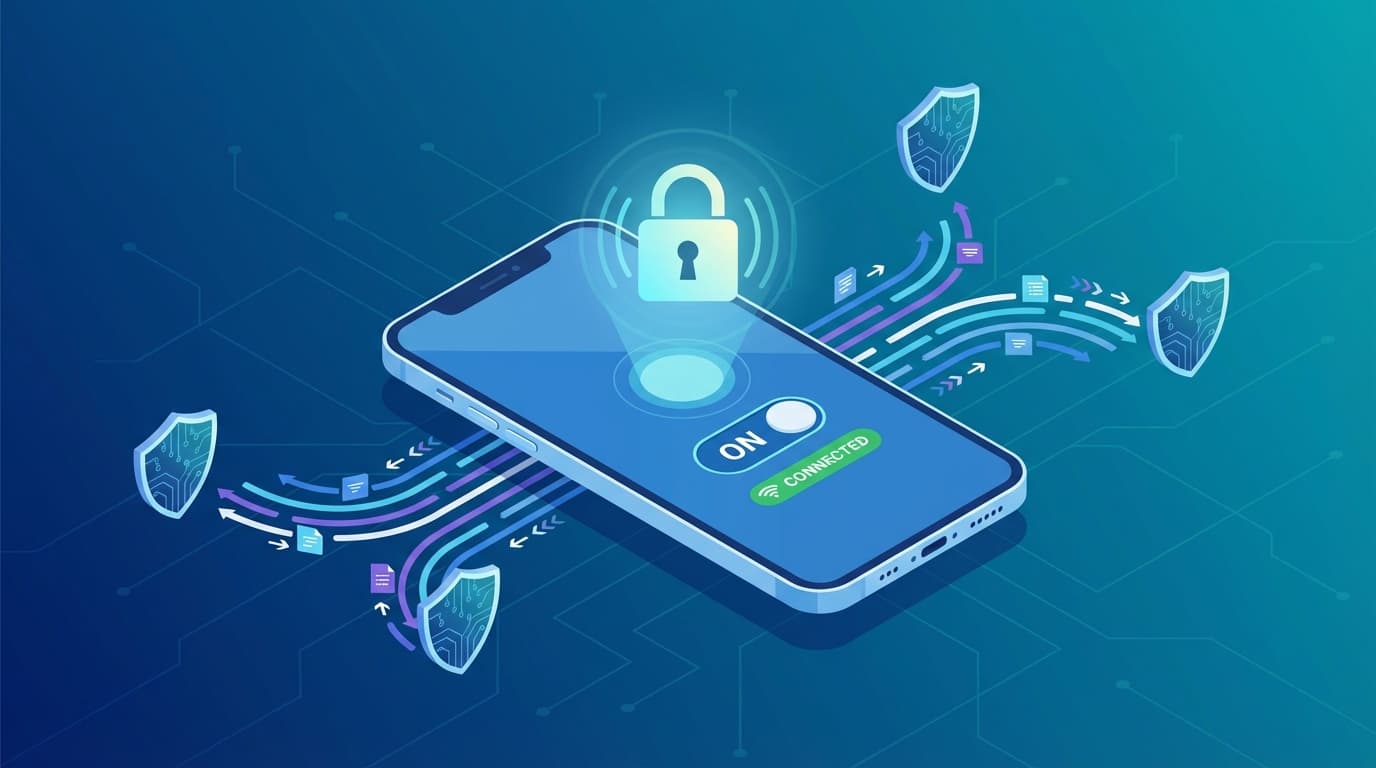
What does a vpn do? It picks you up at your front door and drives you through a secure, private tunnel. It encrypts your traffic, making it unreadable to anyone watching from the outside. It also masks your destination; to the outside world, it looks like the armored car is just driving to a secure garage (the VPN server), not your actual final destination.
However—and this is vital—once the armored car drops off the package, its job is done. If you drive that armored car to a dangerous neighborhood and invite a thief (malware) back into the car, the VPN cannot stop you.
The Core Difference:
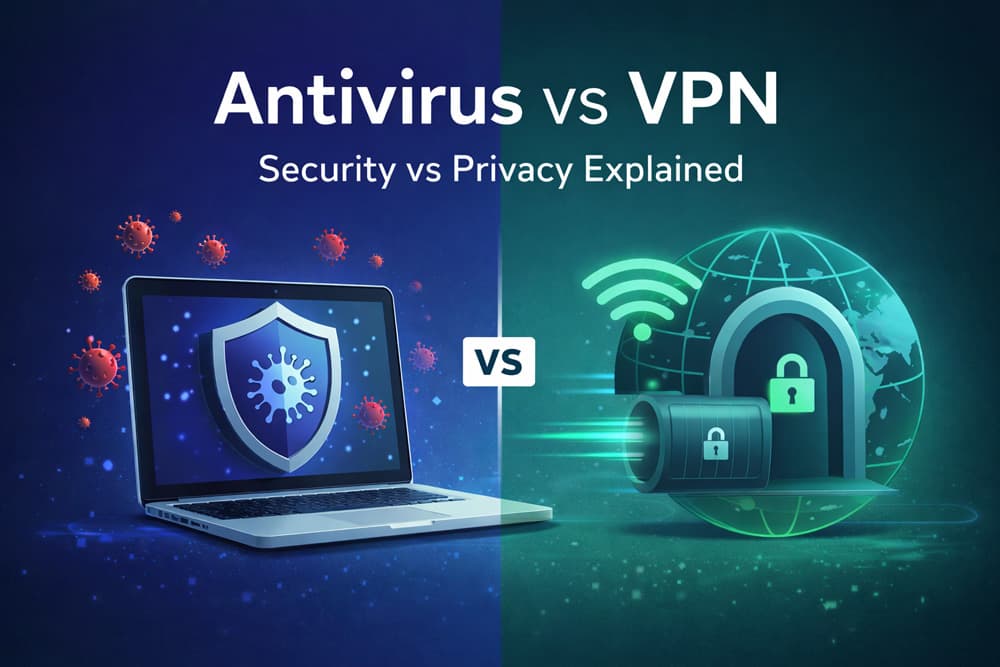
Antivirus software secures your device (endpoint) by detecting and removing malicious files, acting like a home alarm. A VPN secures your internet connection (tunnel) by encrypting data and masking your location, acting like an armored car. You need both for complete protection.
The Complementary Necessity: Why One Cannot Replace the Other
I've seen this firsthand in forums and comment sections: users asking if they can uninstall their antivirus because they bought a premium VPN. This is a terrifying misconception.
The question do i need both antivirus and vpn has a simple answer: Yes, because they protect against different stages of a cyber attack.
Myth-Busting: Does a VPN Protect Against Viruses?
Let's be clear: No.
Encryption is not a shield against stupidity or accidents. If you are using a VPN, your connection to a website is secure. No one can intercept the file you are downloading. However, if that file happens to be a Trojan.exe disguised as a game installer, the VPN will happily encrypt that virus, transport it safely through the tunnel, and deliver it directly to your hard drive.
Once that file is on your computer, the VPN is powerless. It has no mechanism to scan files, quarantine code, or reverse system changes.
This distinction is critical. As noted by the Electronic Frontier Foundation (EFF) in their guides on surveillance self-defense, relying solely on a VPN for protection is a fundamental misunderstanding of the tool's purpose. It protects privacy, not device integrity. Read more about Common Cybersecurity Myths here
If you are asking can vpn replace antivirus, you are essentially asking if wearing a seatbelt prevents your car engine from exploding. They address completely different risks. Does vpn protect against viruses? Only in the sense that it might block a malicious ad tracker, but for the actual payload? Absolutely not.
The "Division of Labor" Standard
This isn't just marketing fluff; it's an industry standard.
Cybersecurity professionals operate on the principle of "Defense in Depth." You never rely on a single layer of security. The National Institute of Standards and Technology (NIST) outlines this explicitly in their User's Guide to Telework and Bring Your Own Device (BYOD) Security. They validate the requirement for separating endpoint security (antivirus/patching) from secure connection protocols (VPNs).
If you work remotely or handle sensitive data, compliance standards often mandate both. The "Division of Labor" is the only way to cover the full attack surface:
- The Transport Layer: Secured by VPN.
- The Application/Device Layer: Secured by Antivirus.
Market Landscape: "All-in-One" Bundles vs. Best-of-Breed
Here is where the decision gets tricky. Most major antivirus companies (Norton, McAfee, Bitdefender) now aggressively upsell "Ultimate" packages that include a VPN. Conversely, VPNs like NordVPN or Surfshark are adding "Threat Protection" features.
Is it better to buy the bundle? Or should you buy the best antivirus vs vpn separately?
The Hidden Costs of Bundles
On paper, the bundle looks like a steal. "Get Antivirus + VPN for just $5 more!" But in my experience, you usually get what you pay for.
When you look for the best vpn with antivirus included, you often find that the "included" VPN is a watered-down version of a standalone product. Here are the common compromises:
- Server Count: A standalone VPN might offer 5,000+ servers in 60 countries. A bundled VPN might restrict you to 50 servers in 10 countries.
- Speed & Caps: Many antivirus-bundled VPNs impose data limits (e.g., 500MB/day) unless you pay for the "Premium" upgrade, rendering them useless for streaming or gaming.
- Features: You often lose critical features like Split Tunneling, Double VPN, or Obfuscated Servers.
The reverse is also true. A VPN that adds "Antivirus" features is usually just checking your downloads against a basic blocklist. It rarely has the sophisticated heuristic analysis or behavior monitoring of a dedicated security suite.
If you are looking at free antivirus vs paid vpn strategies, you might find that a free, high-quality AV (like Windows Defender) paired with a premium standalone VPN offers significantly better protection than a mediocre paid bundle.
The Case for "Privacy Decentralization"
There is a less obvious, but perhaps more important, reason to avoid bundles: Risk Aggregation.
Do you really want one single company to possess your billing address, your credit card on file, a list of every file on your computer (via Antivirus scans), and a complete log of every website you visit (via VPN)?
If that company gets hacked—or if they are served a subpoena—your entire digital life is exposed in one go.
This concept is supported by recommendations from the Missouri University of Science and Technology, which suggests using built-in tools for endpoint protection while being selective about third-party privacy tools. By splitting your security stack—using Vendor A for Antivirus and Vendor B for VPN—you create a firewall of information. Vendor A knows your files but not your browsing history. Vendor B knows your IP address but not your file contents. Check out our Best VPN Reviews for standalone options
Decentralization isn't just for crypto; it's a smart privacy strategy.
Scenario-Based Decision Matrix: When to Prioritize Which?
Budgets are real. If you can't afford both premium tools right now, which one should you prioritize? The answer depends entirely on your digital lifestyle.
We've built a decision matrix to help you navigate this.
Scenario A: The Coffee Shop Worker (Public Wi-Fi)
Priority: VPN
If you spend your days working from Starbucks, airports, or hotels, the antivirus vs vpn for public wifi debate has a clear winner.
Public Wi-Fi is notoriously insecure. Hackers can use Man-in-the-Middle attacks to intercept traffic between your device and the router. An antivirus cannot stop this. It will sit idly by while your login credentials are siphoned off the network.
In this scenario, a VPN is non-negotiable. It creates that encrypted tunnel we discussed, rendering your data useless to anyone sniffing the Wi-Fi packets. The Federal Trade Commission (FTC) has issued specific consumer alerts regarding public Wi-Fi risks, emphasizing that encryption is your only true defense in these environments.
Scenario B: The Downloader & Gamer
Priority: Antivirus
If your internet usage involves downloading torrents, mods for games, or software from "grey market" sources, your risk profile changes. You are voluntarily bringing files onto your device.
While a VPN hides your activity from your ISP (which is important for torrenting privacy), it won't save you if that "Cracked_Game_Installer.exe" contains a keylogger. Here, a robust antivirus with real-time scanning is your primary line of defense.
Mobile Security: App Stores vs. Public Networks
Priority: Mixed (Lean VPN)
The mobile antivirus vs vpn debate is unique because mobile operating systems (iOS and Android) are "sandboxed." Apps can't easily infect other apps, making traditional viruses rarer on phones than on PCs.
However, phones connect to unsecured Wi-Fi networks constantly—often automatically. For mobile users, a VPN is usually the higher priority to protect data in transit. Antivirus is secondary unless you frequently sideload apps from outside the official App Store or Play Store.
Frequently Asked Questions
Here are the most common questions we get, answered without the jargon.
Q: Do I really need both antivirus and VPN?
A: Yes. They perform two completely different functions. Antivirus protects your device from internal damage (malware, ransomware), while a VPN protects your data during transit (privacy, encryption). Relying on one leaves you vulnerable to the other set of threats.
Q: Can a VPN replace antivirus software?
A: No. A VPN encrypts your internet connection but cannot detect, quarantine, or remove malicious software that you accidentally download. If you download a virus over a VPN, your device will still get infected.
Q: What is the difference between antivirus, VPN, and a firewall?
A: Think of your computer as a secure facility.
- Antivirus is the Security Guard inside the building, checking IDs and catching intruders.
- VPN is the Armored Car that transports data safely in and out of the facility.
- Firewall is the Gatekeeper at the front entrance, deciding which traffic is allowed to enter or leave the property in the first place.
The antivirus vs vpn vs firewall comparison highlights that all three layers are essential for a complete defense strategy.
Q: Is a free antivirus and paid VPN a good strategy?
A: Often, yes. For Windows users, the built-in Microsoft Defender is a highly capable antivirus. By sticking with this free, high-quality tool, you can allocate your budget toward a premium free antivirus vs paid vpn setup, ensuring you get top-tier speed and privacy without breaking the bank.
Conclusion
Let's return to our analogy. You wouldn't live in a house with no locks, and you wouldn't drive an open-top car through a warzone.
The debate of antivirus vs vpn isn't about choosing one over the other; it's about understanding that they are two halves of a whole. Antivirus secures the endpoint. VPN secures the tunnel.
While "All-in-One" bundles offer convenience, they often force you to compromise on performance or privacy. For the best protection, we recommend a decentralized approach: use a top-rated, dedicated Antivirus for your device, and pair it with a specialized, no-logs VPN for your connection.
Don't leave your digital front door open. Check out our top-rated standalone VPN recommendations to pair with your current antivirus and lock down your digital life today. Top 10 VPNs