In the digital age, we have been conditioned to believe that "free is good enough." From social media platforms to email services, the internet runs on a barter system where access costs nothing but your attention. However, when it comes to cybersecurity, the old adage remains aggressively true: if you aren't paying for the product, you are the product.
For the value-conscious guardian managing a household or a home office, the decision of how to secure your digital life is critical. You might rely on default software or a free download from a decade-old vendor, assuming it does the job. But does it? This guide moves beyond basic feature lists to analyze the "True Cost of Ownership" of your security stack.
We are not just comparing virus scanning capabilities; we are comparing the hidden economic and privacy costs of free software against the bundled financial value of paid suites. In 2026, with ransomware evolving and data privacy becoming a luxury commodity, the question is no longer just about detection rates. It is an economic calculation: is it worth paying for antivirus software, or is the price of "free" actually higher than a monthly subscription?
Table of Contents
- The "True Cost" Philosophy: Why Free Antivirus Might Be Costing You More
- Protection Reality Check: Free Antivirus vs. Windows Defender vs. Premium Suites
- Performance & Usability: The "System Slowdown" Myth
- Case Study: The Household Ecosystem
- Conclusion
- Frequently Asked Questions About Antivirus Value
The "True Cost" Philosophy: Why Free Antivirus Might Be Costing You More
To understand the antivirus market in 2026, you must adopt a new philosophy: the True Cost of Ownership. Many users view free antivirus as a zero-cost solution. In reality, it is often a deferred-cost solution where the currency is your personal data, or a fragmented-cost solution where you end up paying more for standalone tools that should have been bundled.
The Privacy Tax: Does Free Antivirus Sell Your Data?
The business model of free antivirus software is rarely altruistic. Developing sophisticated threat detection engines costs millions of dollars in R&D and server maintenance. If a company offers this technology for free, they must subsidize it through other revenue streams. Unfortunately, for many legacy free vendors, that revenue stream is you.
When you install a free security suite, you often grant it deep system-level permissions—permissions necessary to scan your files, but also capable of monitoring your behavior. This leads to what privacy advocates call the Privacy Tax. Users frequently ask, does free antivirus sell your data? The answer, historically and contractually, is often yes.
Many free antivirus providers monetize their user base by harvesting anonymized data. This can include your browsing history, the apps you use, your search queries, and even metadata about your shopping habits. This data is aggregated and sold to third-party advertisers and data brokers. While the vendors claim this data is "de-identified," studies have shown that re-identifying users from such granular datasets is trivial for motivated actors.
This creates a paradox: the software you installed to protect your privacy is actively eroding it. By accepting the free antivirus limitations, you are essentially agreeing to a surveillance contract. For a comprehensive understanding of why protecting this data is vital, you can review the FTC consumer advice on the value and protection of personal information. The Federal Trade Commission has long warned consumers that "free" services often come with strings attached that compromise personal identity security.
In contrast, paid antivirus suites operate on a direct revenue model. You pay them a fee, and they provide a service. Their incentive is to retain you as a subscriber by protecting your privacy, not by exploiting it.
The Bundling Calculator: Doing the Math
If the privacy argument is abstract, the financial argument is concrete. Let’s look at the economics of the "Value-Conscious Guardian." To be safe in 2026, a user needs more than just a virus scanner. You need a Virtual Private Network (VPN) for public Wi-Fi, a Password Manager to prevent credential stuffing, and perhaps parental controls.
If you attempt to assemble this security stack using "best-in-class" standalone products, the costs skyrocket.
- Standalone Premium VPN: Approximately $60 - $100 per year.
- Standalone Premium Password Manager: Approximately $24 - $40 per year.
- Standalone Parental Control Software: Approximately $50 per year.
- Total Cost: $134 - $190 per year.
Now, compare this to a comprehensive Paid Antivirus Suite. Most top-tier internet security packages in 2026 include an unlimited VPN, a robust password manager, and dark web monitoring as part of the core license.
- Comprehensive Security Suite: Approximately $40 - $60 per year (often covering multiple devices).
When you run this "Bundling Calculator," the math becomes undeniable. Is it worth paying for antivirus? If you are already paying for a separate VPN or password manager, switching to a paid suite is not an expense—it is a saving. You are effectively getting "insurance-grade" antivirus protection for free, subsidised by the savings on your other tools.
Protection Reality Check: Free Antivirus vs. Windows Defender vs. Premium Suites
Once we move past the economics, we must address the core function: security. Is there a tangible difference in how these tools stop hackers? The answer lies in the difference between "baseline" protection and "proactive" defense.
The Baseline: Is Windows Defender Enough?
For Windows users, Microsoft Defender (formerly Windows Defender) is the default, built-in security solution. It has improved significantly over the last decade. For a user who never visits new websites, never downloads files, and essentially uses their PC as a glorified typewriter, it is competent.
However, the debate of free antivirus vs windows defender versus paid suites comes down to the scope of protection. Windows Defender is excellent at signature-based detection—identifying known malware files that have already been cataloged. It is a reactive tool.
Where it falls short is in the remediation and "insurance" aspects of cyber safety. If your identity is stolen despite Defender’s presence, Microsoft does not offer a $1 million insurance policy to help you recover your credit. If you click a phishing link that mimics your bank, Defender’s browser protection is often less aggressive than dedicated security suites.
The official NCSC guidance on the sufficiency of built-in OS security suggests that while built-in tools provide a good baseline for general compliance, they may not offer the depth of defense required for users with higher threat profiles or those managing sensitive household financial data. It is a "good enough" solution for the operating system, but perhaps not for the user’s digital life.
The Upgrade: Ransomware and AI-Driven Defense
The threat landscape in 2026 is dominated by ransomware—malicious software that encrypts your photos, documents, and financial records, holding them hostage for payment. This is where paid antivirus for ransomware protection proves its worth.
Free antivirus tools typically rely on "signatures"—digital fingerprints of known viruses. If a hacker releases a brand-new ransomware variant (a "zero-day" attack), a signature-based free tool will not recognize it until it is too late.
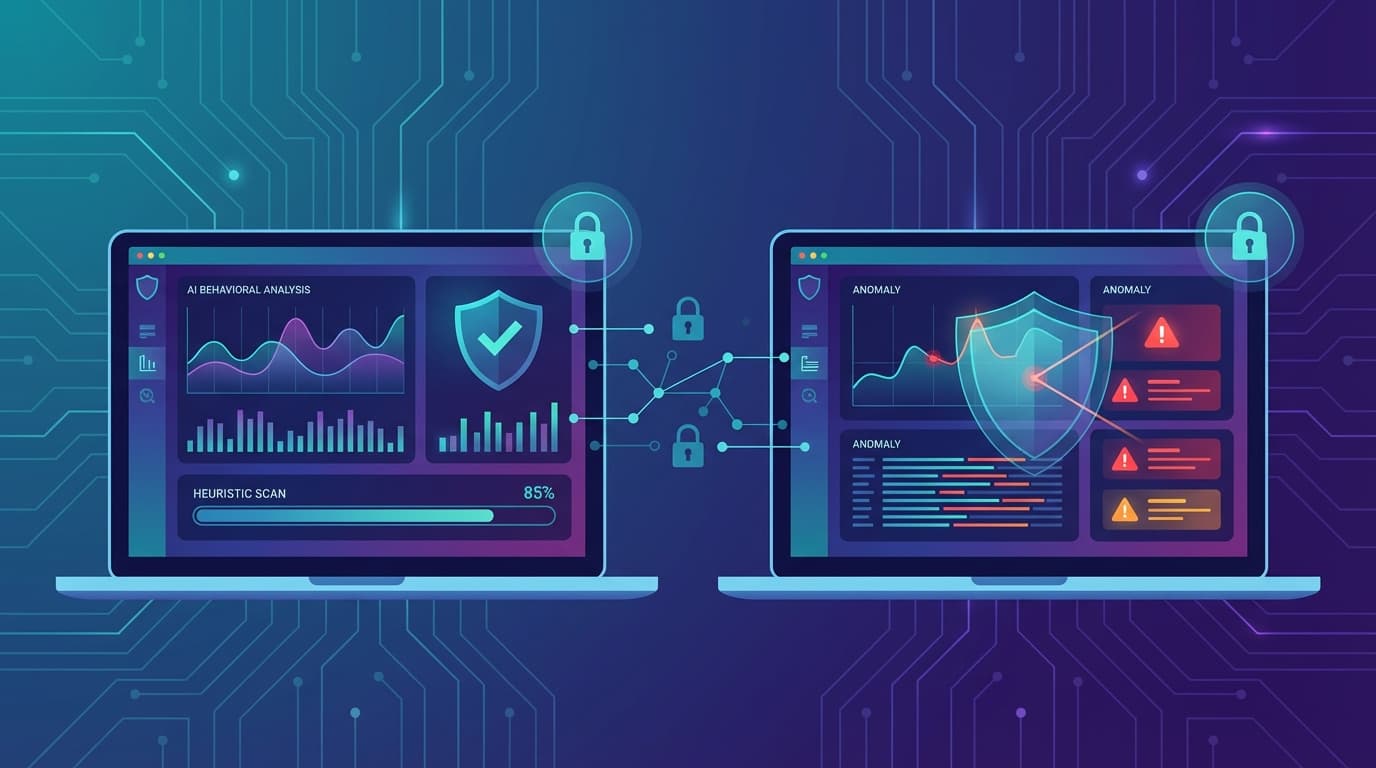
Premium paid suites utilize AI-driven, behavior-based detection. Instead of looking for a known file match, they watch for malicious behavior. For example, if a program suddenly tries to encrypt 100 files in a second, a paid suite’s AI engine recognizes this as ransomware behavior and kills the process instantly, often rolling back the changes to save your files. This proactive layer is essential for antivirus for online banking protection, ensuring that no silent scripts are capturing your keystrokes while you log into your accounts.
For a deeper dive into why proactive defense is critical, you can refer to the comprehensive #StopRansomware guide on proactive defense strategies from the Center for Internet Security (CIS). They highlight that modern defense requires tools capable of anticipating threats, not just reacting to them.
Performance & Usability: The "System Slowdown" Myth
A common objection to upgrading is the fear of "bloat." Gamers and power users often worry that security software will hog RAM and ruin their frame rates. Ironically, in 2026, it is often the free software that slows you down.
Bloatware vs. Silent Mode
Free antivirus products are notorious for being "nagware." Because their business model depends on upselling you, they frequently interrupt your workflow with pop-ups: "Your PC is at risk! Upgrade now!" or "Junk files detected! Buy premium to clean!" These background processes and graphical overlays consume system resources.
Furthermore, free tools rarely include optimization features. In contrast, an antivirus that doesn't slow down computer performance is almost always a paid product. Premium suites feature "Game Modes" or "Silent Modes." These intelligent features detect when you are running a full-screen application (like a game or a movie) and suspend all background scans, updates, and notifications. They allocate resources dynamically, ensuring your CPU power is focused on your task, not the security software.
When looking for a lightweight paid antivirus, you are paying for the optimization code that ensures the software runs invisibly. You are paying for the absence of annoyance.
Independent Performance Benchmarks
You do not have to take a vendor's word for it. Independent testing labs rigorously benchmark these impacts. According to the independent 2025 comparative analysis of antivirus protection and performance by AV-Comparatives, top-tier paid suites consistently outscore free versions in system impact tests.
These benchmarks measure "file copying speeds," "launching applications," and "downloading files." The data shows that modern paid engines are highly streamlined cloud-based architectures, whereas many free tools still rely on heavier, client-side databases and ad-serving modules that drag down processing speeds.
Case Study: The Household Ecosystem
Finally, we must look at the "Value-Conscious Guardian" not as an individual, but as a manager of a digital household. The days of protecting a single beige desktop computer are over.
Protecting Multiple Devices and Identities
A typical household in 2026 has a complex ecosystem: two smartphones, a tablet, a couple of laptops, and perhaps a desktop. Trying to manage security using free tools means installing different apps on different devices, creating a fragmented mess. You might have Windows Defender on the PC, a free mobile security app on the Android phone, and nothing on the iPad.
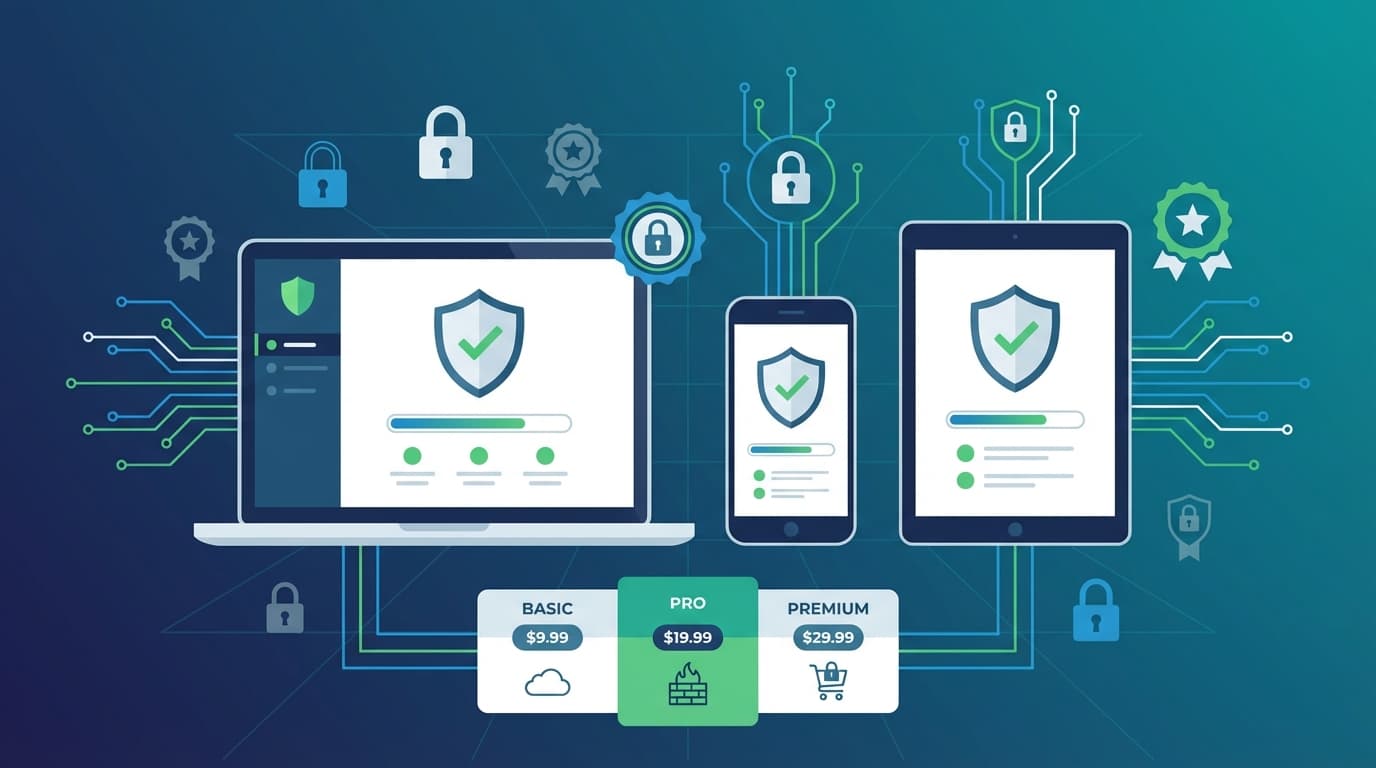
The best paid antivirus for multiple devices solves this via a unified dashboard. A single "Family Plan" license often covers 5 to 10 devices across Windows, macOS, Android, and iOS. This allows you, as the household admin, to see the security status of every device from one screen. You can locate a lost phone, manage your children’s screen time, and ensure everyone’s VPN is active from a single interface.
This centralization is a massive time-saver and ensures no device is the "weak link" that lets hackers into your home network.
Evaluating Top Contenders
When users ask, "is norton antivirus worth the money?" or "is Bitdefender better than McAfee?", they are really asking about this ecosystem value.
Top contenders like Norton, Bitdefender, and Kaspersky (depending on region) have evolved into "Cyber Safety Platforms."
- Norton 360 is often cited for its Identity Theft protection bundles (LifeLock), making it worth the money for users specifically worried about credit fraud.
- Bitdefender frequently tops the charts for having the lowest impact on system performance, making it a favorite for gamers.
- TotalAV and others compete aggressively on the "tune-up" features that speed up older computers.
The value in these brands lies in the reliability of their updates and the accountability of their support teams—something entirely absent in the world of free software.
Conclusion
The debate between free and paid antivirus is no longer about whether a free tool can catch a virus. It is about the True Cost of Ownership.
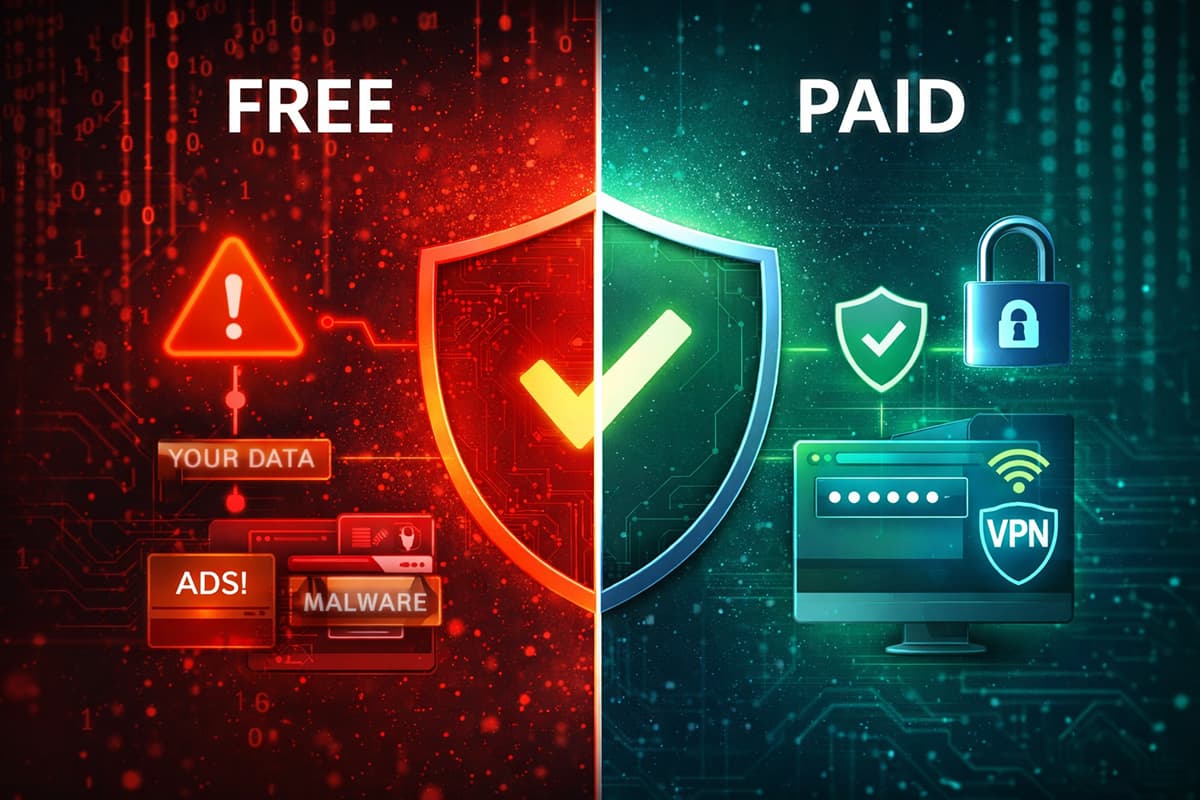
Free antivirus comes with a hidden price tag: the monetization of your private data, the intrusion of advertisements, and the lack of financial safety nets like identity theft insurance. It provides a baseline of security but leaves the heavy lifting—and the risk—to you.
Paying for a premium suite is, paradoxically, the more economical choice for the savvy user. By bundling a VPN, Password Manager, and multi-device protection into a single subscription, you save money compared to buying standalone tools. More importantly, you gain proactive, AI-driven defense against ransomware and the peace of mind that comes with "digital insurance."
If you value your privacy as much as your bank account, the choice is clear. Upgrade your digital defense today by exploring top-rated, all-in-one security suites that treat you as a customer, not a product.
Frequently Asked Questions
Q: What are the main limitations of free antivirus?
Free antivirus limitations primarily revolve around a lack of proactive protection and privacy. While they can scan for known viruses (signatures), they often lack the behavior-based AI needed to stop new ransomware attacks (zero-day threats). Furthermore, they rarely include essential privacy tools like VPNs, password managers, or identity theft monitoring. Most critically, many free versions monetize their service by collecting and selling user data to advertisers or interrupting the user experience with pop-up ads.
Q: Do I really need to pay for antivirus if I have Windows Defender?
For basic file scanning, Windows Defender is competent. However, it lacks the "safety net" features of paid suites. It does not provide identity theft remediation, dark web monitoring, or an included VPN for public Wi-Fi privacy. Additionally, its phishing protection is generally limited to the Edge browser. If you conduct online banking, hold sensitive personal data, or want insurance against identity fraud, relying solely on Windows Defender leaves gaps in your defense that paid suites are designed to fill.
Q: Which paid antivirus has the least impact on speed?
If you are looking for a lightweight paid antivirus, independent tests from organizations like AV-Comparatives consistently rank brands like Bitdefender and ESET highly for low system impact. These suites utilize cloud-based scanning and dedicated "Game Modes" or "Silent Modes" to ensure that security processes do not interrupt high-performance tasks like gaming or video editing. Unlike free tools, they do not run ad modules in the background, further preserving system resources.