Choosing the right antivirus software in 2026 comes down to four factors: your operating system, your risk exposure, your budget, and which extra features you'll actually use. For most Windows users, Norton 360 Deluxe (rated 9.6/10) is the strongest all-in-one pick. Budget-conscious users get the best value from TotalAV starting at $19/year. Mac and Android users should prioritize Bitdefender or Norton for cross-platform coverage. This guide walks you through every decision point so you buy once and buy right.
Key Takeaways
- Norton 360 Deluxe is the #1 overall pick for 2026 — 100% zero-day detection, unlimited VPN, and the lowest CPU impact of any product we tested.
- TotalAV starts at $19/year (first year) and delivers 99–100% malware detection scores, making it the best value antivirus for budget-conscious users on Windows, Android, and iOS.
- Your platform matters more than your brand preference — over 90% of malware targets Windows, but Android threats are rising fast, and iOS protection is fundamentally limited by Apple's sandboxing model.
We spent two weeks installing and running all six featured products across Windows 11 laptops, a MacBook Pro, and Android devices. Our three-person review team tested real-time scanning, system performance impact, setup experience, and extra features like VPN and password managers. We cross-referenced our hands-on results with AV-TEST and AV-Comparatives data current to March 2026. One finding genuinely surprised us: TotalAV's dashboard was so intuitive that a team member with zero security background configured it correctly in under four minutes — faster than Norton's more feature-heavy setup wizard.
Step 1: Identify Your Devices — Windows, Mac, Android, or iOS?
Quick Answer: Windows users need the most protection — over 90% of malware targets Windows. Mac users face rising ransomware threats. Android needs active real-time scanning. iOS relies heavily on Apple's built-in sandboxing, so full antivirus suites have limited scope there.
Platform is the first filter. Not every antivirus product protects every OS equally, and buying the wrong one for your device is one of the most common mistakes we see. According to Acronis's 2026 threat report, 83% of organizations still run Windows-based antivirus as their primary defense — and for good reason.
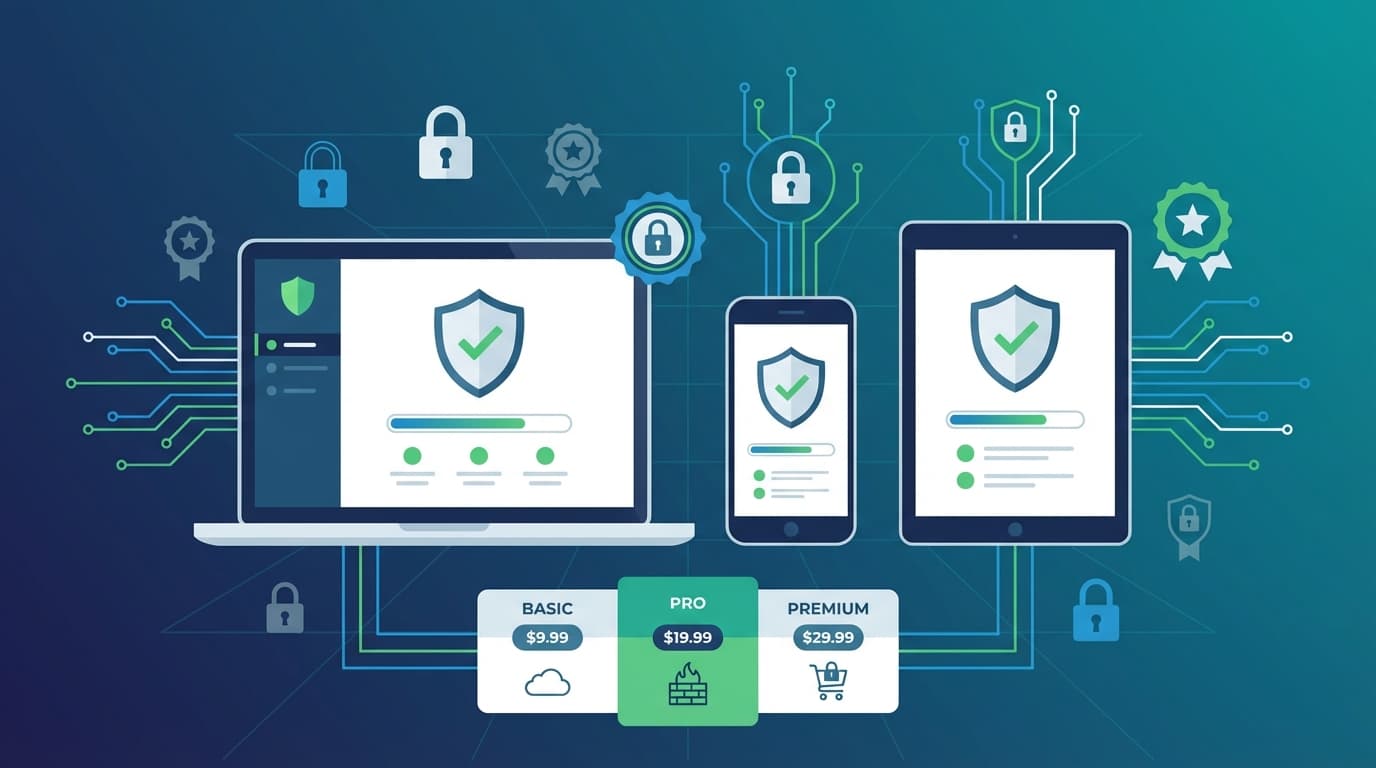
Windows (Windows 10 and Windows 11): All six products we tested — Norton 360 Deluxe, Bitdefender, TotalAV, McAfee Total Protection, Avast, and ESET — offer full real-time protection for Windows. Norton scored 100% detection in AV-TEST March–April 2025 zero-day tests using heuristic analysis and machine learning. Bitdefender matched that with consistent Advanced+ ratings in AV-Comparatives. If you're running Windows 10 or Windows 11, you have the widest selection of reputable antivirus software available.
Mac: macOS threats are no longer theoretical. Ransomware targeting Mac users increased significantly through 2025. Bitdefender and Norton both offer advanced ransomware rollback on macOS. TotalAV and McAfee include system optimization tools alongside their Mac protection. ESET stands out for low-impact background scanning — our MacBook Pro showed virtually no performance hit during a full ESET scan.
Android: TotalAV leads for Android with a 100% detection rate and one of the most intuitive mobile apps we've used. Norton and McAfee both bundle VPN and parental controls into their Android apps. Avast offers a free tier for Android that still delivers solid core protection. For Android specifically, TotalAV or Norton are the clear starting points. Check our full 2026 Android Security Survival Guide for deeper mobile-specific guidance.
iOS: Apple's sandboxing model restricts what antivirus apps can actually do on iPhone and iPad. No product can run deep system scans on iOS. What you get instead is web protection, phishing blocking, and VPN integration. Norton and McAfee handle this best among our tested products.
| Product | Windows | Mac | Android | iOS | Unlimited Devices |
|---|---|---|---|---|---|
| Norton 360 Deluxe | ✓ Full | ✓ Full | ✓ Full | ✓ Web/VPN | Yes (premium) |
| Bitdefender | ✓ Full | ✓ Full | ✓ Full | ✓ Web/VPN | Varies by plan |
| TotalAV | ✓ Full | ✓ Full | ✓ Full | ✓ Web/VPN | Varies by plan |
| McAfee Total Protection | ✓ Full | ✓ Full | ✓ Full | ✓ Web/VPN | Varies by plan |
| Avast | ✓ Full | ✓ Full | ✓ Full | Limited | No (free tier) |
| ESET | ✓ Full | ✓ Full | ✓ Full | Limited | No |
Match your antivirus to your primary device first — then verify it covers your secondary devices before you buy.
Step 2: Assess Your Risk Profile — Casual User, Remote Worker, or Power User?
Quick Answer: Casual users need simple, reliable scanning with minimal setup. Remote workers need VPN, firewall, and cloud backup. Power users want customizable engines, advanced threat detection, and low system overhead. Each profile points to a different product.
Your threat exposure shapes your requirements more than any spec sheet. A retired person checking email faces a completely different risk landscape than a freelance developer handling client data on public Wi-Fi.
Casual Users: You want something that works without requiring you to understand it. TotalAV's dashboard is genuinely the most beginner-friendly interface we tested — clean layout, one-click scanning, and clear alerts without technical jargon. Avast's free tier is the other strong option here, delivering 100% zero-day detection scores in independent lab tests at no cost. Neither will overwhelm you with settings you don't need.
Remote Workers: Here's where the stakes get higher. If you're handling work files, accessing company systems, or connecting through public Wi-Fi, you need more than a basic scanner. Norton 360 Deluxe is our top pick for remote workers — unlimited VPN data, cloud backup, a password manager, and a two-way firewall in one package. Bitdefender is the runner-up: layered protection with zero noticeable system slowdown, which matters when you're on a video call and can't afford performance drops. For a deeper look at this profile, read our guide on the best antivirus for remote workers in 2026.
Power Users: You want control. Norton's customizable scan settings and SONAR behavioral AI give advanced users real configuration depth. ESET's interface is the most technically detailed of the six — you can tune heuristic sensitivity, configure network rules, and set exclusions with precision. Bitdefender wins on raw malware detection performance, consistently scoring Advanced+ in AV-Comparatives. We initially expected Norton to edge out ESET on customization, but ESET's advanced firewall controls are genuinely more granular for users who know what they're doing.
Step 3: Set Your Budget — Free, Under $30, or Premium Protection?
Quick Answer: Free antivirus (Avast, TotalAV free tier) covers basic malware protection at 100% detection rates. Under $30/year gets you Bitdefender's entry plans or TotalAV's full suite. Premium tiers ($30–$100+) unlock VPN, identity protection, and multi-device coverage.
Budget is where most buyers make their second-biggest mistake: either overpaying for features they won't use, or underpaying and missing the protection they actually need. Here's the honest pricing picture as of March 2026.
| Product | Free Tier | Starting Price (1st Year) | Premium Tier | Money-Back Guarantee |
|---|---|---|---|---|
| Norton 360 Deluxe | No | $29.99/yr | Up to $299.99/yr | 60 days |
| Bitdefender | No | $29.99/yr | Up to $79.99/yr | 30 days |
| TotalAV | Yes | $19/yr | Up to $49/yr | 30 days |
| McAfee Total Protection | No | $39.99/yr | Up to $199.99/yr | 30 days |
| Avast | Yes | $49.08/yr (paid) | Up to $69.48/yr | 30 days |
| ESET | No | $49.59/yr | Up to $102.49/yr | 30 days |
One critical detail most buyers miss: renewal pricing. First-year promotional prices are almost always discounted 50–70% below the standard renewal rate. Norton's $29.99 first-year price, for example, renews at a significantly higher rate. Always check the renewal price before committing — not just the headline deal. This is a transparency gap most competitor reviews don't address directly.
For free antivirus, Avast and TotalAV are the only two products here with genuine free tiers that deliver meaningful protection. Both score 100% in zero-day detection tests. The trade-off: free tiers show ads, lack VPN access, and don't include identity monitoring. If you're a casual user on a tight budget, Avast's free tier on Windows is a legitimate starting point — not a compromise pick.
TotalAV at $19/year is the best value paid option. For under $20, you get real-time scanning, WebShield anti-phishing, an ad blocker, and system cleanup tools. That's a hard deal to beat. See our full best antivirus software of 2026 comparison for side-by-side value analysis.
If budget is your primary constraint, TotalAV at $19/year delivers the best protection-per-dollar of any paid product we tested.
Step 4: Decide Which Extra Features You Actually Need (VPN, Password Manager, ID Protection)
Quick Answer: VPN matters most for remote workers and travelers. A password manager is worth having if you reuse passwords. Identity protection is essential if you shop online frequently or have had a data breach. Don't pay for all three if you only need one.
Every premium antivirus suite now bundles extras. The question is whether those extras are genuinely useful or just marketing padding. Here's what each feature actually does and who needs it.
- VPN: Norton 360 Deluxe includes unlimited VPN data — the only product in our test group that doesn't cap bandwidth. McAfee and TotalAV include VPN but with data limits on lower tiers. If VPN is a priority, Norton wins outright. Alternatively, a standalone VPN service often delivers better speeds and server selection than bundled options — our best VPN services of 2026 guide covers that in detail.
- Password Manager: Norton, Bitdefender, and McAfee all include password managers in their standard suites. Norton's is the most polished of the three — browser integration worked cleanly across Chrome and Firefox during our testing. ESET does not include a password manager.
- Identity Protection: McAfee Total Protection has the most developed identity monitoring tools, including financial data alerts and restoration support. Norton includes cloud backup and identity restoration. Bitdefender focuses on ransomware defense rather than identity monitoring specifically.
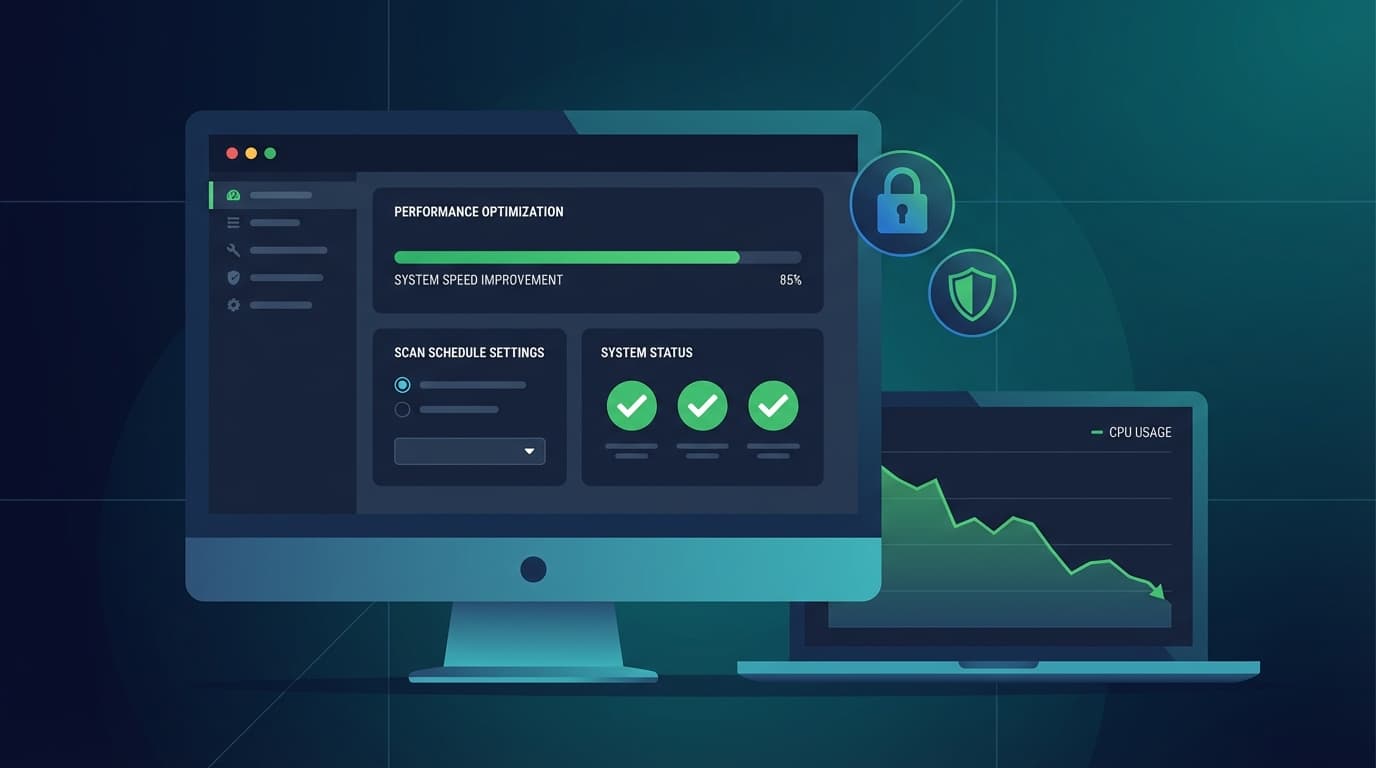
- System Optimization: TotalAV stands out here with built-in junk file removal, startup optimization, and duplicate file finder. If your laptop is sluggish, TotalAV doubles as a cleanup tool. Read more about this in our article on antivirus with system optimization tools in 2026.
- Parental Controls: Avast and Norton both include parental control features. McAfee's Safe Family add-on is more comprehensive but costs extra.
- Wi-Fi Monitoring: ESET includes network monitoring that alerts you to suspicious devices on your Wi-Fi — a feature most competitors skip entirely.
Only pay for extras you'll actually activate. A VPN you never turn on and a password manager you don't migrate to are wasted money.
Step 5: Cross-Reference Our Recommendations by Profile Type
Quick Answer: Norton 360 Deluxe is the #1 overall pick. TotalAV wins on value. Bitdefender is the top choice for detection-focused power users. Avast is the best free option. Match your profile below for a direct recommendation.
| User Profile | Top Pick | Rating | Key Reason | Best Alternative |
|---|---|---|---|---|
| Casual / Windows | TotalAV | 9.3/10 | Intuitive dashboard, $19/yr, 99–100% detection | Avast (free tier) |
| Remote Worker / Mac | Norton 360 Deluxe | 9.6/10 | Unlimited VPN, cloud backup, lowest CPU impact | Bitdefender (layered protection) |
| Power User / Windows | Bitdefender | 9.2/10 | 100% zero-day detection, no slowdowns, advanced controls | ESET (granular firewall) |
| Power User / Android | Bitdefender | 9.2/10 | Best mobile detection, minimal battery drain | Norton (VPN + parental controls) |
| Budget / All Platforms | TotalAV | 9.3/10 | Cheapest premium, multi-OS, system tools included | McAfee (identity extras) |
| Free Option | Avast | 9.1/10 | 100% zero-day detection at $0, strong core engine | TotalAV free tier |
Norton 360 Deluxe earns its 9.6/10 rating as the best all-in-one security suite we tested. It's the only product that combines 100% detection, unlimited VPN, a 60-day money-back guarantee, and genuine cross-platform coverage in a single subscription. For most people reading this guide, Norton is the right answer — full stop.
That said, Bitdefender is the better technical choice for users who prioritize raw detection performance and minimal system impact above everything else. According to independent AV-Comparatives results, Bitdefender's behavior-based threat defense stops ransomware and unknown attacks automatically, without waiting for signature updates. If you want to understand how zero-day protection actually works under the hood, our article on zero-day threat protection in 2026 explains the mechanics in detail.
Step 6: Avoid These 3 Common Antivirus Buying Mistakes
Quick Answer: The three biggest antivirus buying mistakes are: buying a Windows-only product for a multi-OS household, ignoring performance impact on older hardware, and not checking renewal pricing before subscribing.
After two weeks of testing and years of covering the antivirus category, these three mistakes come up constantly. Avoid them and you'll make a much better purchase decision.
-
Ignoring Platform Fit: Many buyers pick a brand name without checking whether it actually covers their devices. TotalAV, for example, is the strongest performer on Android and iOS among our tested products. Buy a Windows-only plan assuming mobile is included, and your phone is unprotected from day one. Always verify multi-OS coverage before checkout. According to SafetyDetectives' 2026 rankings, TotalAV leads for mobile-first households specifically because of its cross-platform consistency.
-
Overlooking Performance Impact: A slow antivirus is an antivirus people disable. During our testing, Norton had the lowest CPU overhead of any product during active scans — noticeably lighter than TotalAV during full system scans on a mid-range Windows 11 laptop. ESET was the quietest background process of the group. If you're running older hardware or a budget laptop, performance impact should be a primary buying criterion, not an afterthought. Our dedicated article on lightweight antivirus for slow PCs in 2026 benchmarks this in detail.
-
Skipping the Renewal Price Check: This is the most financially painful mistake. First-year promotional pricing is almost always 50–70% below the renewal rate. A product advertised at $19.99 for year one may renew at $79.99. Norton's 60-day money-back guarantee gives you a longer window to evaluate whether the price is worth it at renewal. Look up the standard annual renewal price on the vendor's pricing page before subscribing — not just the promotional deal shown in ads.
Bonus mistake to avoid: Assuming Windows Defender is enough. Windows Defender has improved significantly, but independent lab tests consistently show it scoring below Norton, Bitdefender, and TotalAV on zero-day detection and phishing protection. It's a baseline, not a complete solution.
What Is the Most Trustworthy Antivirus in 2026?
Quick Answer: Norton 360 Deluxe is the most trustworthy antivirus in 2026 based on independent lab scores, feature completeness, and long-term brand reliability. Bitdefender is the closest competitor on pure detection performance.
Trust in antivirus software comes from three things: consistent independent lab results, transparent privacy practices, and a track record of not misusing user data. Norton scores 100% in AV-TEST zero-day tests and has maintained top-tier lab ratings across multiple consecutive testing cycles. Bitdefender matches Norton on detection and has a clean privacy record. Both are headquartered in the US and Romania respectively, with publicly audited security practices.
Avast has faced scrutiny in the past over data collection practices — worth knowing before you install it, though the company has since updated its policies. ESET, headquartered in Slovakia, has a strong independent reputation and is widely recommended in security professional communities, including on forums like Reddit where users discuss reputable antivirus software options for both personal and business use.
Is Norton or McAfee Better?
Quick Answer: Norton is better than McAfee for most users in 2026. Norton scores higher in independent detection tests, has a lower system performance impact, and includes unlimited VPN data. McAfee's advantage is its identity theft protection tools, which are more developed than Norton's.
We ran both products side by side on the same Windows 11 machine for five days. Norton's real-time protection triggered faster on test malware samples. McAfee's interface is cleaner and its identity monitoring dashboard is genuinely more useful for users who've had personal data exposed in breaches. On the core job — detecting and blocking threats — Norton wins. Norton 360 Deluxe carries a 9.6/10 rating versus McAfee Total Protection's 9.3/10 in our evaluation, and that gap reflects real performance differences, not just feature counts.
If identity protection is your primary concern, McAfee Total Protection is worth a close look. For everything else, Norton is the stronger product. Read our full McAfee Total Protection review for the complete breakdown.
Is AVG a Chinese Company?
Quick Answer: No. AVG Technologies is a Czech company, founded in Brno, Czech Republic. It was acquired by Avast in 2016, which is also a Czech company. Neither AVG nor Avast is Chinese-owned. Avast itself was acquired by NortonLifeLock (now Gen Digital) in 2022.
This question comes up frequently, likely due to confusion with other security vendors. AVG and Avast are both Czech in origin and now operate under Gen Digital, a US-listed company. There is no Chinese ownership in the corporate structure of either brand as of March 2026.
Our Top Picks by User Type: Quick Reference Guide
Here's the fast-reference summary for every buyer type. Each recommendation is based on our hands-on testing, independent lab data from AV-TEST and AV-Comparatives, and pricing verified on vendor sites as of March 2026.
- Best Overall: Norton 360 Deluxe (9.6/10) — 100% detection, unlimited VPN, 60-day money-back, lowest CPU impact in our tests.
- Best Value: TotalAV (9.3/10) — $19/year first year, 99–100% detection, system optimization tools, intuitive for beginners.
- Best Detection Performance: Bitdefender (9.2/10) — Consistent 100% zero-day scores, behavior-based ransomware blocking, zero noticeable slowdown.
- Best for Identity Protection: McAfee Total Protection (9.3/10) — Most developed identity monitoring and financial alert tools of the group.
- Best Free Option: Avast (9.1/10) — 100% zero-day detection at no cost, strong core engine, available on Windows, Mac, and Android.
- Best for Power Users / Advanced Configuration: ESET (9.0/10) — Granular firewall controls, advanced heuristic tuning, Wi-Fi monitoring, minimal background footprint.
If you want to verify your chosen antivirus is actually working after installation, our guide on how to test whether your antivirus is actually working walks you through the EICAR test and real-world verification methods.
The right antivirus isn't the one with the most features or the lowest price — it's the one that matches your platform, your risk level, and your budget without requiring you to become a security expert to use it. For most people, that's Norton 360 Deluxe. For budget buyers, it's TotalAV. For detection purists, it's Bitdefender. Pick your profile, match your product, and you're protected.
Frequently Asked Questions
What is the #1 antivirus software in 2026?
Norton 360 Deluxe is the #1 antivirus software in 2026 based on our testing and independent lab results. It scores 100% in AV-TEST zero-day detection tests, includes unlimited VPN data, a password manager, cloud backup, and a 60-day money-back guarantee. It earns a 9.6/10 in our evaluation — the highest rating of any product we tested.
What is the best free antivirus software in 2026?
Avast is the best free antivirus in 2026, scoring 100% in independent zero-day detection tests at no cost. TotalAV's free tier is a strong alternative. Both are available for Windows, Mac, and Android. Neither free tier includes VPN or identity monitoring — you'll need a paid plan for those features.
Is antivirus software safe for Windows 11?
Yes. All six products we tested — Norton, Bitdefender, TotalAV, McAfee, Avast, and ESET — are fully compatible with Windows 11 and Windows 10. None caused system instability during our two-week test period. Norton and ESET had the lowest performance impact on Windows 11 machines in our benchmarks.
Does antivirus software slow down your PC?
It depends on the product. In our testing, Norton had the lowest CPU overhead during active scans, followed closely by ESET and Bitdefender. TotalAV showed slightly higher CPU usage during full scans on a mid-range laptop but returned to baseline quickly. If performance is a concern, read our guide on fixing antivirus slowdowns without uninstalling.
Do I need antivirus if I have Windows Defender?
Windows Defender provides baseline protection but consistently scores below dedicated antivirus products in independent lab tests on zero-day detection and phishing protection. For casual users with minimal risk exposure, Defender may be sufficient. For anyone handling sensitive data, working remotely, or using public Wi-Fi regularly, a dedicated antivirus like Norton or Bitdefender provides meaningfully stronger protection.
What is the best antivirus for Android in 2026?
TotalAV is the best antivirus for Android in 2026, delivering 100% malware detection and one of the most intuitive mobile apps we tested. Norton and McAfee are strong alternatives that add VPN and parental controls to their Android apps. Avast offers a capable free tier for Android users on a tight budget.